HOA Amenity Reservation Software
Let residents reserve the clubhouse, pool, courts, and more from a live calendar. Prevent double bookings and collect fees or refundable deposits at checkout — with less work for your board.
No more sign-up sheets, group texts, or double-booked clubhouses.
Residents reserve online and pay at checkout.
One Simple System for Every Amenity
Give every bookable amenity its own calendar, availability, rules, and fees — all managed in one place.
Clubhouses & Party Rooms
Offer full- or half-day reservations with optional fees and refundable deposits.
Tennis & Pickleball Courts
Set time slots and household limits to keep courts available to everyone.
Pools & Pavilions
Set seasonal availability around your pool schedule.
Grills & Picnic Areas
Offer short time blocks, including same-day openings.
Shared Resources
Let residents reserve kayaks, paddleboards, and other shared equipment by the day.
Fitness Centers
Create time slots for gyms, saunas, and exercise studios.
Residents Book on Their Own
Residents see real-time availability, choose a date and time, add party details, and pay required fees in one simple flow. Booked times stay blocked, so scheduling conflicts are prevented automatically.
- Real-time availability prevents double bookings
- Party details and special requests collected upfront
- Accessible from any phone, tablet, or computer
- Automatic email confirmations and reminders
- Complete reservation history for board records
- 8:00 – 9:00 AM Booked
- 9:00 – 10:00 AMOpen
- 10:00 – 11:00 AM YoursYour reservation
- 11:00 AM – 12:00 PM Booked
- 12:00 – 1:00 PM Closed, maintenance
Oct 16, 10:00 – 11:00 AM
Collect Fees and Deposits Automatically
Set a reservation fee and refundable deposit for each amenity. Residents see the full amount before booking, and Communitrak collects it using their saved card or bank account. No checks to collect or unpaid fees to chase.
- Fees and refundable deposits set by amenity
- Automatic collection when residents book
- Deposits refunded after inspection
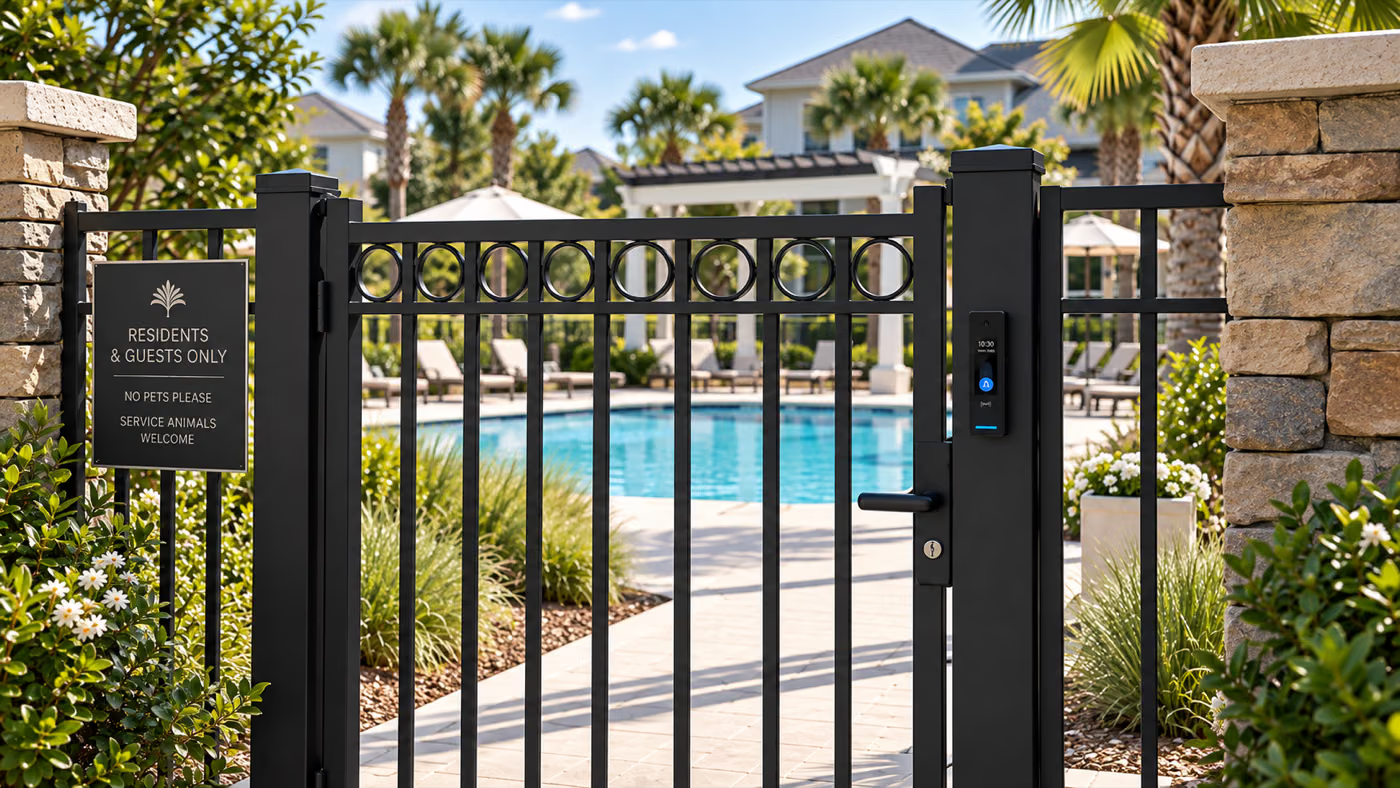
Reservations and Access in One Place
With Communitrak Access, amenity reservations and physical entry use the same resident records. Residents can unlock pools, clubhouses, and courts by phone, NFC card, fob, or keypad code. When someone moves out, their reservation access and entry credentials are removed together.
Explore HOA access controlEnforce Your Amenity Rules Automatically
Set booking windows, reservation lengths, and household limits. Communitrak applies your rules automatically, keeping access fair without requiring the board to review every reservation.
- Per-household booking limits and blackout dates
- Instant confirmation when all requirements are met
- Custom terms accepted before a reservation is completed
- Cancellation windows and deposit-forfeiture rules
- Optional good-standing requirement for residents
- Book up to
- 90 days ahead
- Household limit
- 2 at a time
- Cancel without penalty
- 72 hours before
- Deposit
- Charge now, refund on return
Make amenity reservations easier for everyone.
Book a personalized demo to see how residents reserve clubhouses, courts, and shared equipment.
Frequently Asked Questions
Common questions about amenity reservations in Communitrak.
Residents sign in from any phone or computer, choose an amenity and available time, and pay any required fee or deposit when confirming. The calendar updates in real time to prevent double bookings.
Yes. Set a reservation fee and optional refundable deposit for each amenity. Residents see the full amount before booking and pay with a saved card or bank account. Payments are recorded with the household account and included in your financial reports.
No. Reservations are confirmed immediately when the time is available and the resident meets your booking rules, such as household limits or good-standing requirements. Communitrak applies those rules automatically.
Yes. Add terms and conditions to each amenity and require residents to accept them before booking. Include cleanup requirements, noise limits, damage policies, and deposit terms.
Yes. Set an advance-booking window, minimum and maximum reservation length, household limits, and blackout dates for each amenity. These controls help keep popular amenities available to everyone.
Not currently. Communitrak Access uses the same resident records, and communities can schedule access around normal amenity hours. A reservation does not issue a temporary door credential for the reserved time.
Yes. Amenity reservations are included with the standard Communitrak subscription, with no per-booking charge. Payment processing fees apply only when your community collects reservation fees or deposits. See our pricing for details.